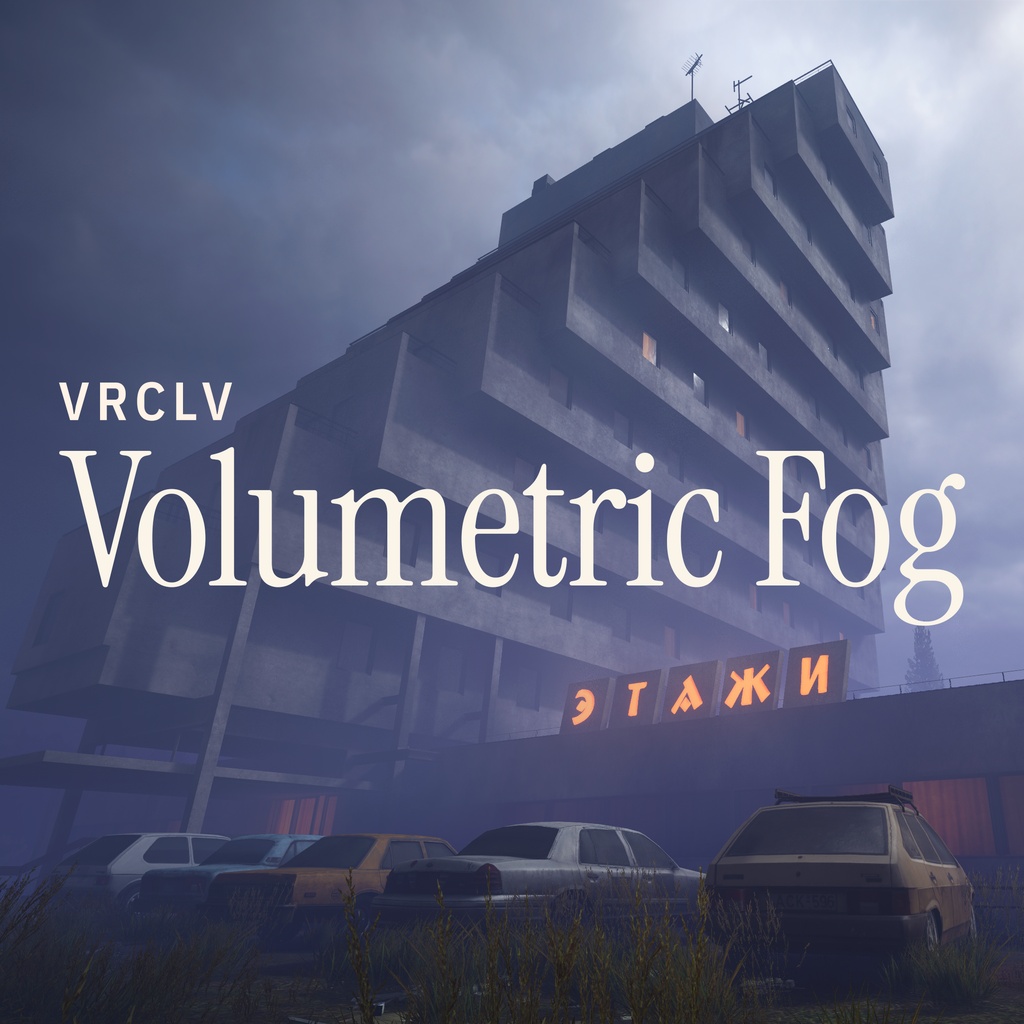
VRCLV Volumetric Fog | 20% OFF!
- ダウンロード商品Standard Use | 20% OFF!¥ 2,400
- ダウンロード商品Commercial Use¥ 10,000
- ダウンロード商品License¥ 0無料ダウンロードRED_SIM_VRCLV_Fog_-_Licenses__EN-JP_.zip(2.67 KB)RED_SIM_VRCLV_Fog_-_Licenses__EN-JP_.zip
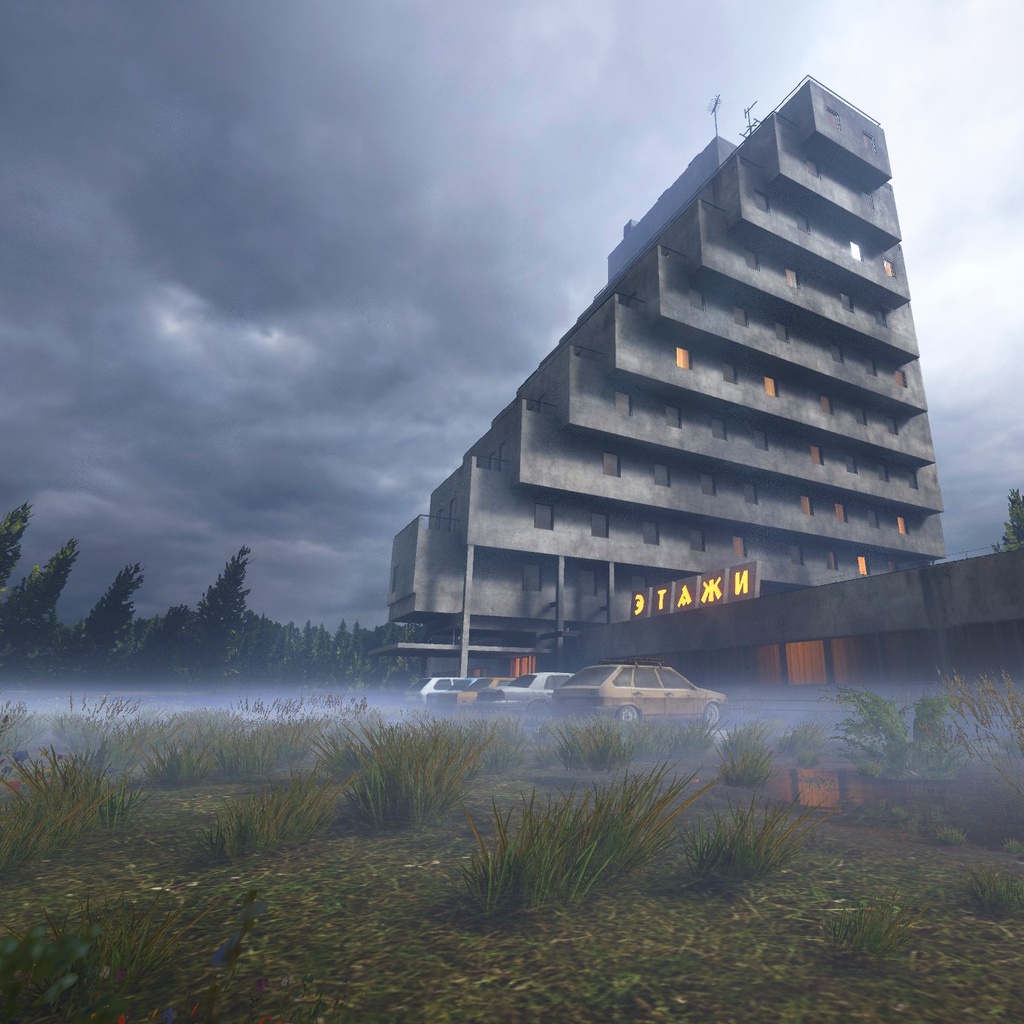
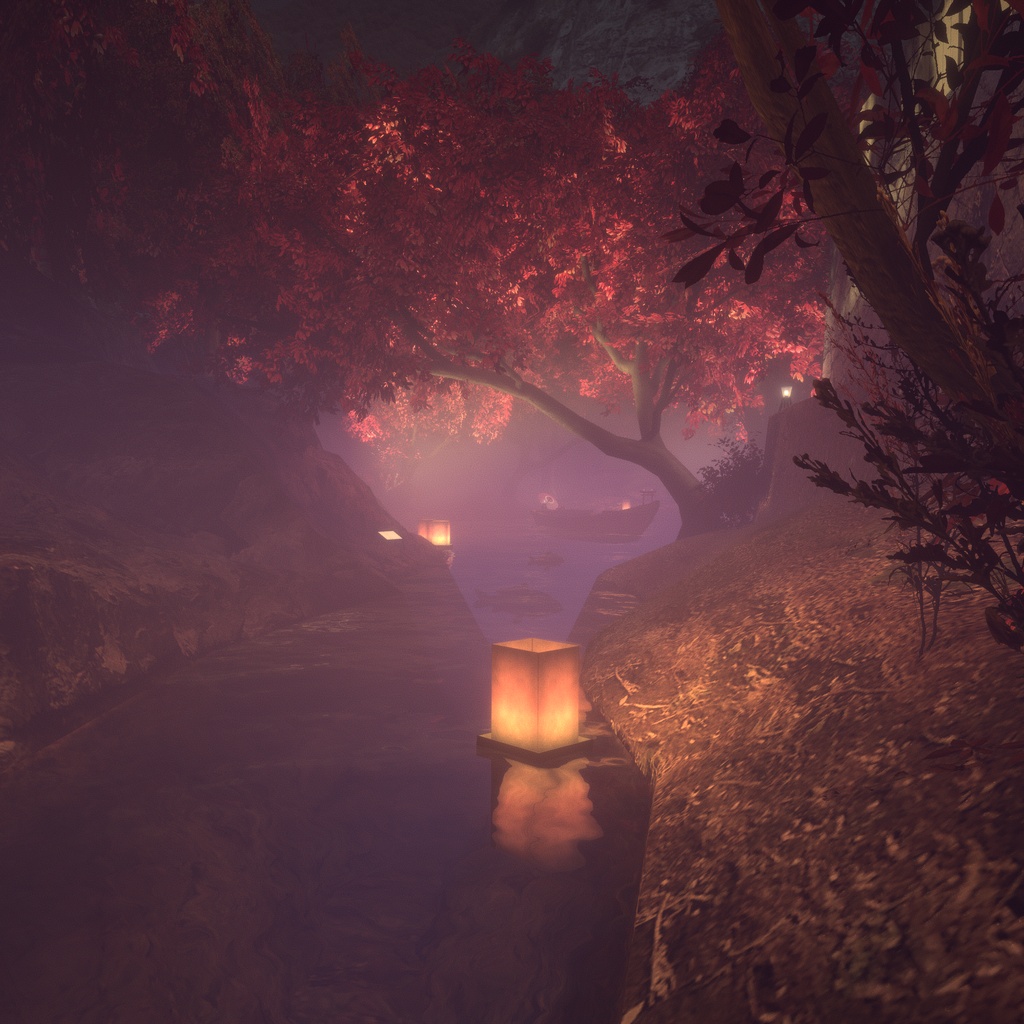
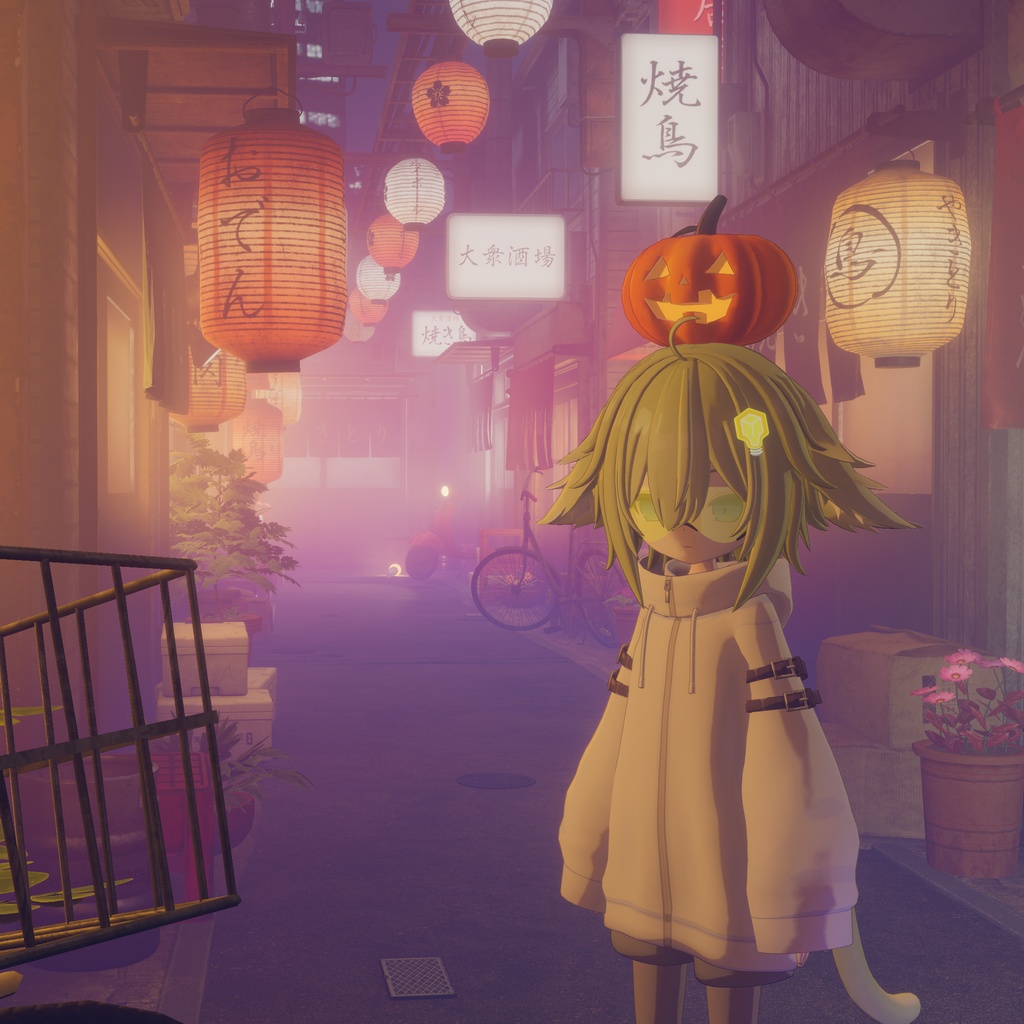
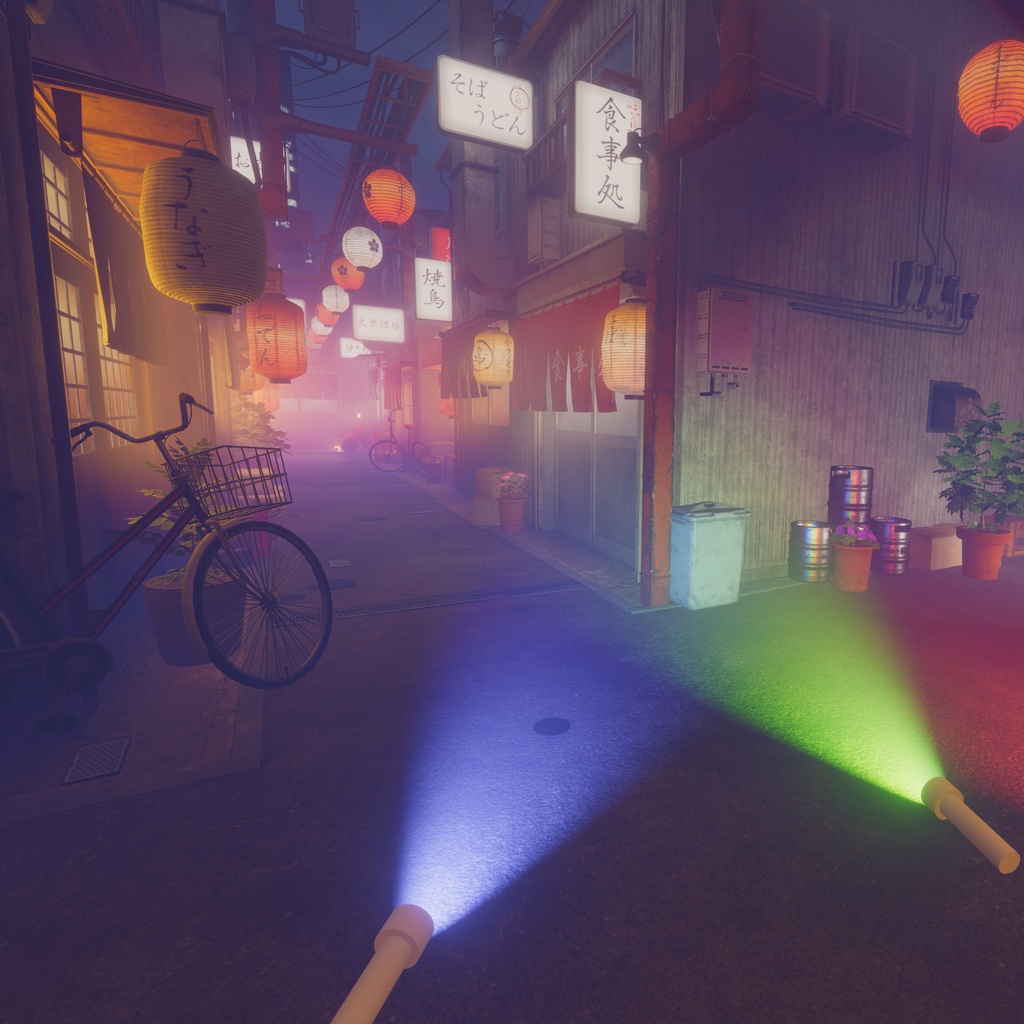
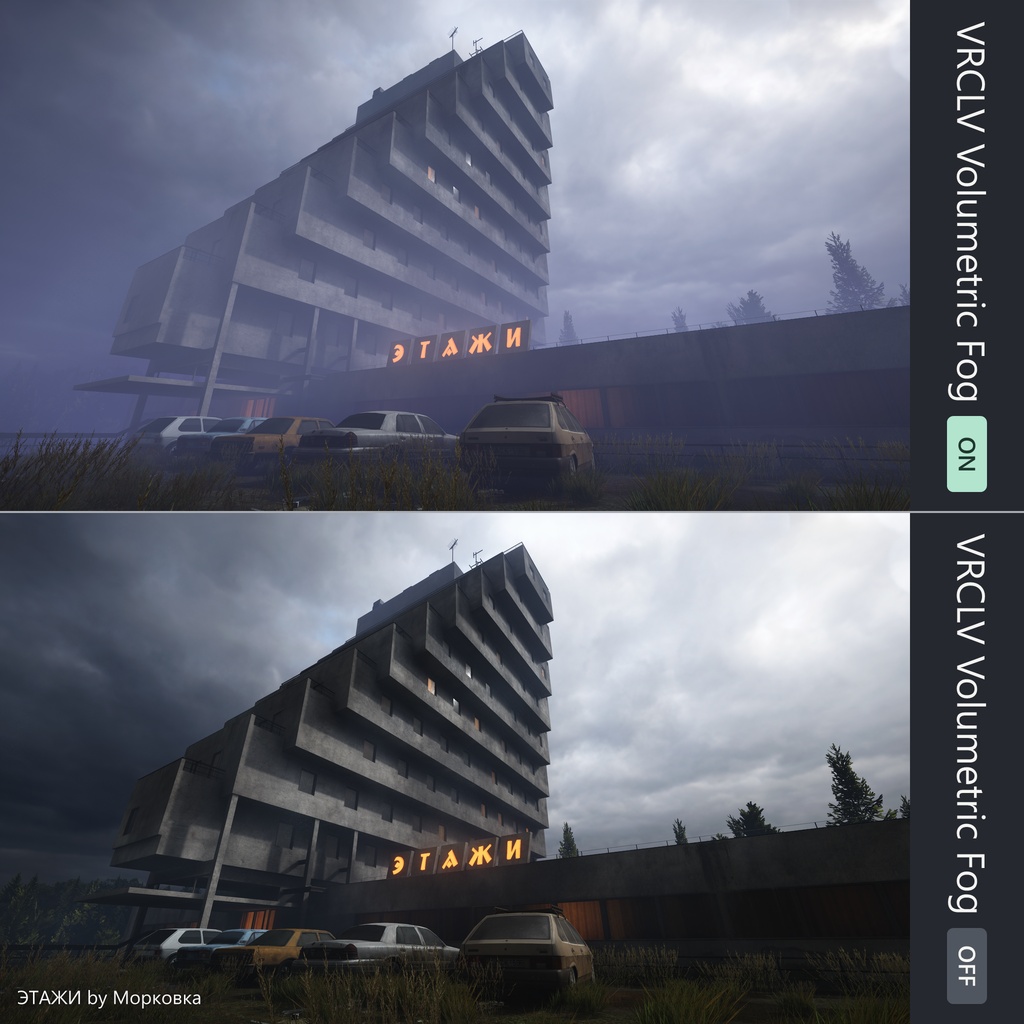
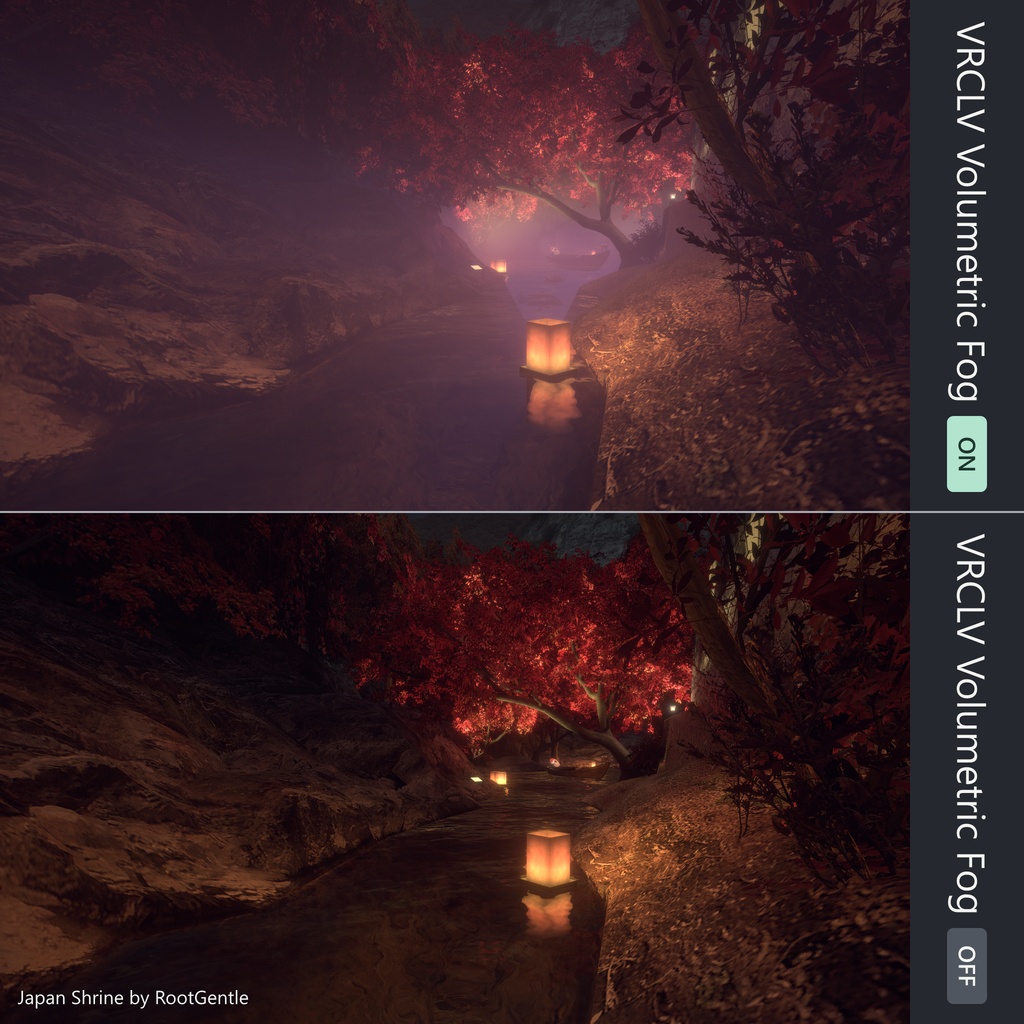
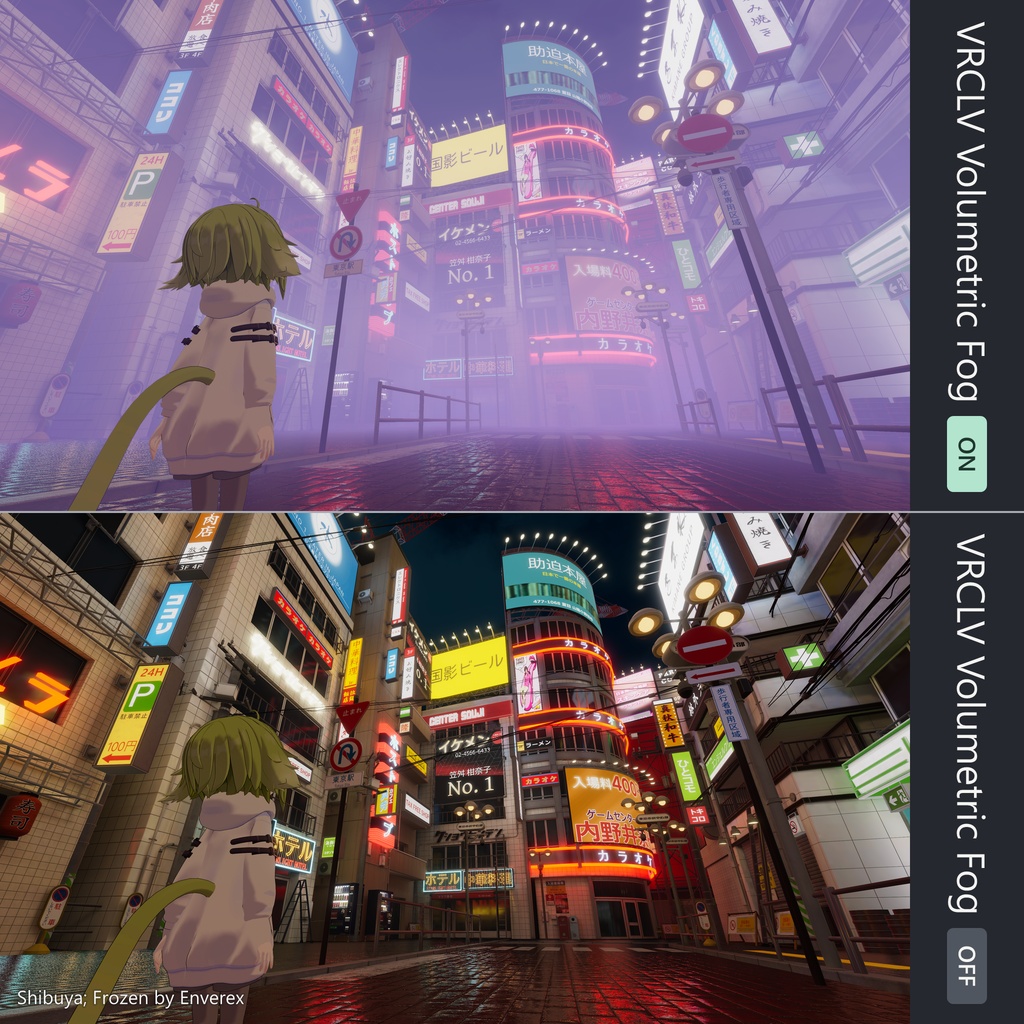
【JP】日本語 (English below) VIDEO: https://www.youtube.com/watch?v=38Z2280cA8g VRC WORLD: https://vrchat.com/home/launch?worldId=wrld_79151205-517f-4501-b0b1-569f8dcbdcaa VRCLV Volumetric Fog は、VRC Light Volumes に対応した、軽量で高機能なボリュメトリックフォグです。フロクセルベースの描画と解析的なライティングを組み合わせることで、フォグの中でもポイントライトの光をくっきりと表現できます。 ワールド版は PC、Quest、Android、iOS に対応しています。アバター版は Windows 向けで、VRCFury 用と Modular Avatar 用のプレハブが付属します。 ■ 主な特徴 - 軽量なフロクセルベースの描画 - 解析的なライティングでポイントライトをシャープに表現 - 他のフォグと比べて約3倍の描画性能 - ノイズのないクリアな見た目 - PC、Quest、Android、iOS 向けのワールドに対応 - VRC Light Volumes 対応 - ワールド用とアバター用のプレハブを用意 ■ 導入方法 1. ワールド用またはアバター用の .unitypackage を Unity にインポートします。 2. Project ウィンドウで "Assets/RED_SIM/Volumetric Fog" を開きます。 3. ワールドに導入する場合は、フォグのプレハブをシーンにドラッグします。アバターに導入する場合は、"Avatars" フォルダーから VRCFury 用または Modular Avatar 用のプレハブを選び、アバターのルート直下に配置します。 ■ 使い方 ワールド用プレハブの "Volumetric Fog Manager" コンポーネントでフォグを設定します。各項目にカーソルを合わせると、ツールチップで詳しい説明が読めます! 「Fog Rendering」 フォグの描画範囲とフロクセルグリッドの解像度を設定します。低スペックの PC では、グリッドの解像度を下げると FPS が上がることがあります。 「Light Volumes」 VRC Light Volumes の光がフォグにどう影響するかを調整します。 「Point Lights」 VRCLV と Unity のライトの描画品質や、光がフォグにどう影響するかを調整します。"Analytical Lights" を有効にすると描画負荷は上がりますが、フロクセルだけで描画したときのブロック感が抑えられ、光がよりくっきり見えます。 「Atmosphere」 大気のかすみのようなフォグを追加できます。見た目は Unity 標準のフォグに似ていますが、こちらはちゃんとボリュメトリックです! フォグを2層に重ねることもできます。 「Noise」 動きのある 3D ノイズテクスチャでフォグに濃淡をつけて、のっぺりした見た目を抑えられます。 「Excluders」 部屋や出入り口など、フォグを表示したくない範囲を GameObject でボックス状に指定できます。 「VRChat Mirror」 鏡にもフォグを映したい場合は、この項目を有効にして、シーン内の各ミラー面を登録してください。ミラー用のフロクセル計算が加わるため、描画負荷が上がります。 フォグが映るのは、有効な鏡のうち最も近い1枚だけです。ローカルミラーにはフォグは映りません! 「Setup」 内部マテリアルやレンダーテクスチャへの参照をまとめた、デバッグ用の項目です。通常はそのままで大丈夫です。 ■ ライセンス - 通常ライセンスは1人分です。VRChat のワールドやアバターでは、寄付や収益化の有無にかかわらず、本アセットを使用・改変できます。VRChat 以外では、非商用プロジェクトに使用・改変できます。 - VRChat のワールドやアバターを依頼制作する場合は、本アセットを使う制作者と依頼主がそれぞれ購入してください。 - VRChat 以外で商用利用する場合は、本アセットを直接扱う人ごとに商用ライセンスが必要です。 - 本アセットを組み込んだビルド済みデータは公開・納品できます。アセットファイルの共有・販売・アップロード・再配布は禁止です。改変版や、編集可能な Unity プロジェクト・パッケージに含めた場合も同様です。 同梱の VRC Light Volumes シェーダーライブラリには MIT ライセンスが適用されます。 詳しい条件は同梱の Licence_JP.md をご覧ください。 【EN】English VRCLV Volumetric Fog is one of the best-optimized and most advanced volumetric fog solutions for VRC Light Volumes. It combines froxel-based rendering with analytical lighting to keep point lights looking sharp in the fog. The world package works on PC, Quest, Android, and iOS. The avatar package is for Windows and includes prefabs for VRCFury and Modular Avatar. ■ Main features - Optimized froxel-based rendering - Analytical lighting for sharper point lights - ~3X the rendering performance of other fog solutions - Clean look with no noise - Supports Worlds on PC, Quest, Android, and iOS - Supports VRC Light Volumes - Prefabs for both Worlds and Avatars ■ How to install 1. Import the world or avatar .unitypackage into Unity. 2. In the Project window, open "Assets/RED_SIM/Volumetric Fog". 3. For Worlds, drag and drop a fog prefab into your scene. For Avatars, open the "Avatars" folder and drag the VRCFury or Modular Avatar prefab directly under your avatar root. ■ How to use Use the "Volumetric Fog Manager" component on the world prefab to adjust the fog settings. Hover over the fields to see their tooltips. They explain a lot! 「Fog Rendering」 Set the fog volume and the resolution of the froxel grid. Lowering the grid resolution may improve FPS on low-end PCs. 「Light Volumes」 Adjust how VRC Light Volumes affect the fog. 「Point Lights」 Adjust the rendering quality of VRCLV and Unity lights and how they affect the fog. Enabling "Analytical Lights" costs some performance, but the lights look sharper and less blocky than they do with froxel-based rendering alone. 「Atmosphere」 Add a layer of atmospheric haze. It looks similar to Unity's default fog, but it's still volumetric! You can also use two layers of fog. 「Noise」 Add a moving 3D noise texture to give the fog some variation and make it look less flat. 「Excluders」 Use GameObjects to define box-shaped areas where you want to hide the fog, such as a room or doorway. 「VRChat Mirror」 To make the fog visible in mirrors, enable this section and add all your mirror surfaces. Keep in mind that this requires extra froxel calculations. Only the closest enabled mirror shows the fog. Local mirrors aren't supported, so you won't see the fog in them! 「Setup」 This section holds references to internal materials and render textures for debugging. You usually won't need to tweak anything here. ■ License - The Standard License covers one person. You can use and modify the asset in VRChat Worlds and Avatars, including monetized or donation-supported projects, and in non-commercial projects outside VRChat. - For a commissioned VRChat World or Avatar, the creator using the asset and the client each need their own copy. - For commercial projects outside VRChat, each person working directly with the asset needs a Commercial License. - You can publish compiled builds that include the asset or deliver them to clients. Do not share, sell, upload, or redistribute the asset files, including modified copies or files bundled in an editable Unity project or package. The bundled VRC Light Volumes shader library uses the MIT License. See the included License_EN.md for the full terms.